WabaInteractiveBtnURL
Requirement
To send this type of (just like Reply) message, you must first establish a Conversation room with the recipient. In other word, your recipient must sent a message to your gateway.
Introduction
If you wish to send an interactive call-to-action (CTA) URL button, use Interactive Button URL.
Json Request Components
-
header: Available types:text,document,image, andvideo
optional
Example:text:{"type": "text", "text": "Your Text Header"}document:{"type": "document", "link": "<DOCUMENT URL>"}image:{"type": "image", "link": "<IMAGE URL>"}video:{"type": "video", "link": "<VIDEO URL>"}
Media extensions
document:pdf,doc,docs,ppt,pptx,txt,xlsandxlsximage:jpegandpngimage:3gpandmp4
-
body: Message text body
required, max 1024 characters -
footer: Foot note message
optional, max 60 characters -
button: The URL buttontitle: Button label text
max 20 charactersurl: The URL
Example
{
  "gateway_id": "YOUR_GATEWAY_ID",
  "recipient": "RECIPIENT_NUMBER",
  "header": {
    "type": "image",
    "link": "https://api-doc.nusasms.com/slate/img/logo.png"
  },
  "body": {
    "text": "Tab button below if you wish to access the documentation"
  },
  "footer": {
    "text": "Happy coding"
  },
  "button": {
    "text": "API Documentation",
    "url": "https://api-doc.nusasms.com"
  }
}
Preview
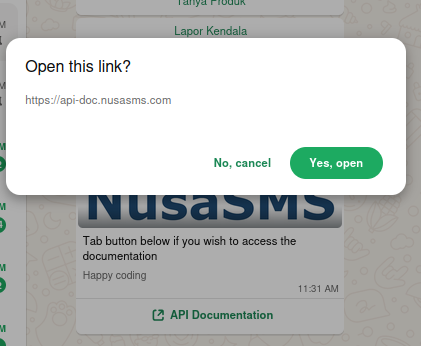
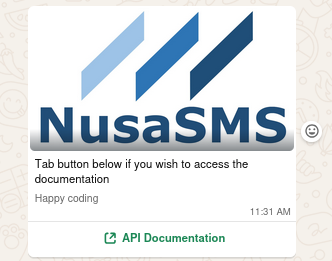
Here is the preview when you got this type of message.
Received Message
Send Reply on Click / Touch